Compare: HTML to PDF vs PDFCrowd
I’ve been looking into several services that can quickly convert HTML to PDF for my work. I work a lot with documents, and I often end up without internet, so for me this way of storing data is the best solution.
So, to save you from extra hassle, I decided to compare the cool service “HTML to PDF,” which turned out to be the most convenient, with its alternatives.
Let’s go!
HTML to PDF
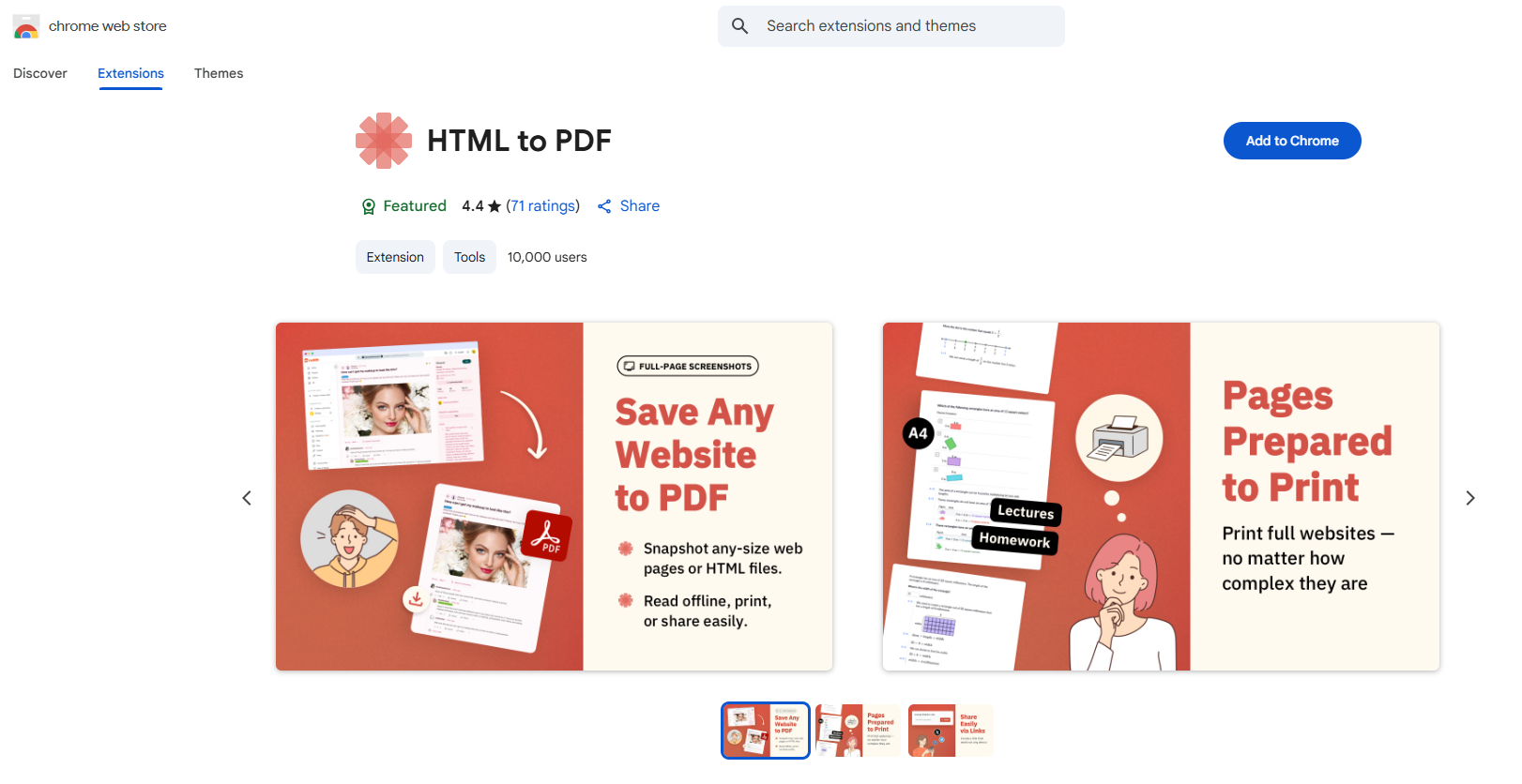
All you need after installing the extension:
- Open the page you need
- Click the extension icon
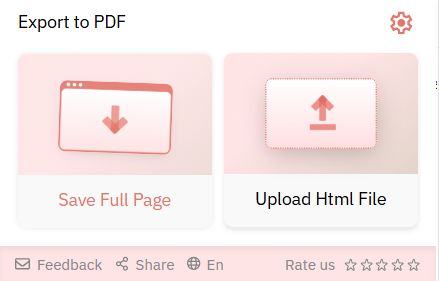
3. Press “Save Full Page” – “Download,” and in a couple of seconds you have a ready file with the saved design.

PDFCrowd
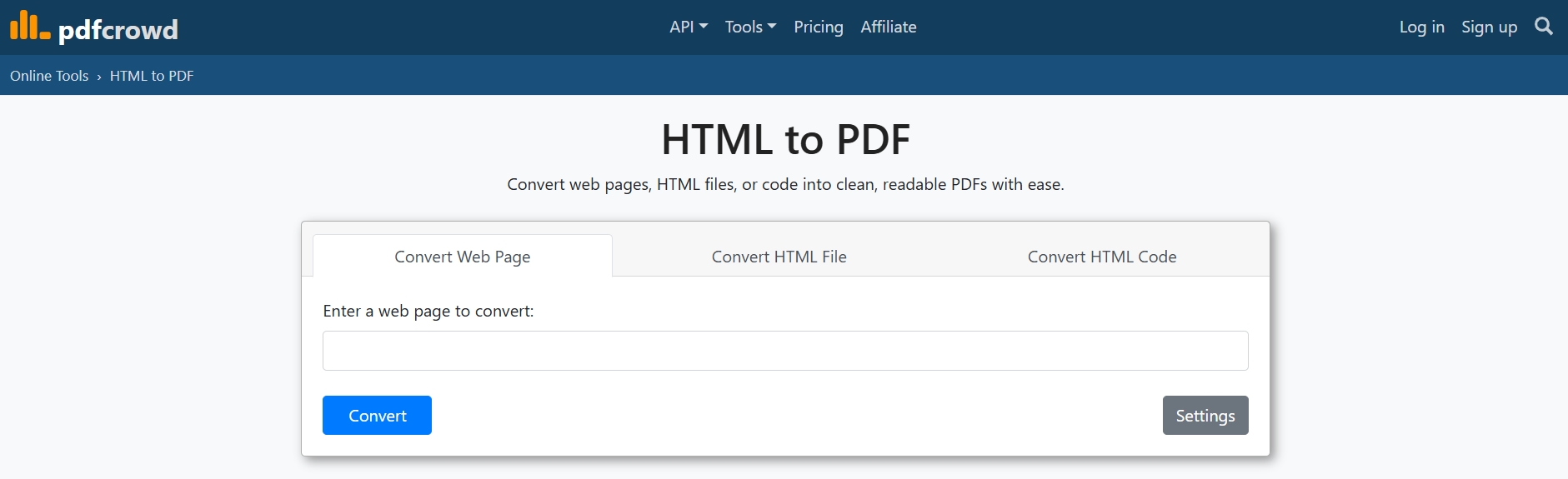
Now let’s compare it with PDFCrowd.
It’s powerful, but… not always easy. It’s a web service and API where you can convert a page, URL, or HTML code into a PDF.
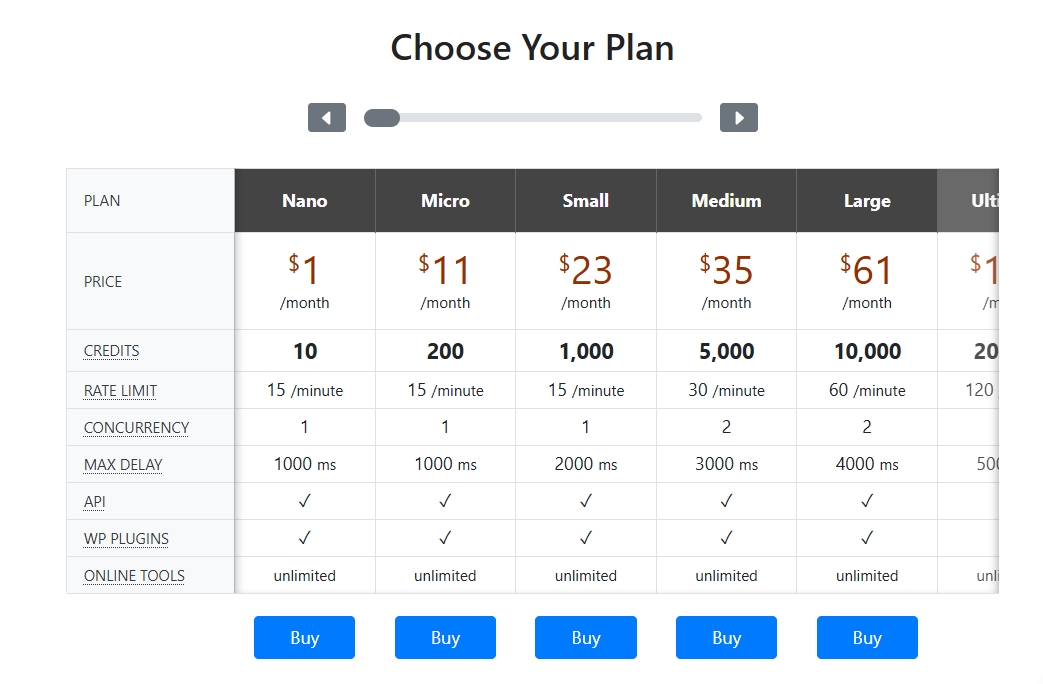
There are settings to remove ads, add protection, watermarks, and much more. But:
- Complicated interface (the web page needs JavaScript, you have to register for the extension, and turn features on or off).
Example: the “Save as PDF” extension from PDFCrowd is noticeably less intuitive (too many steps, and there are limits on protected pages).
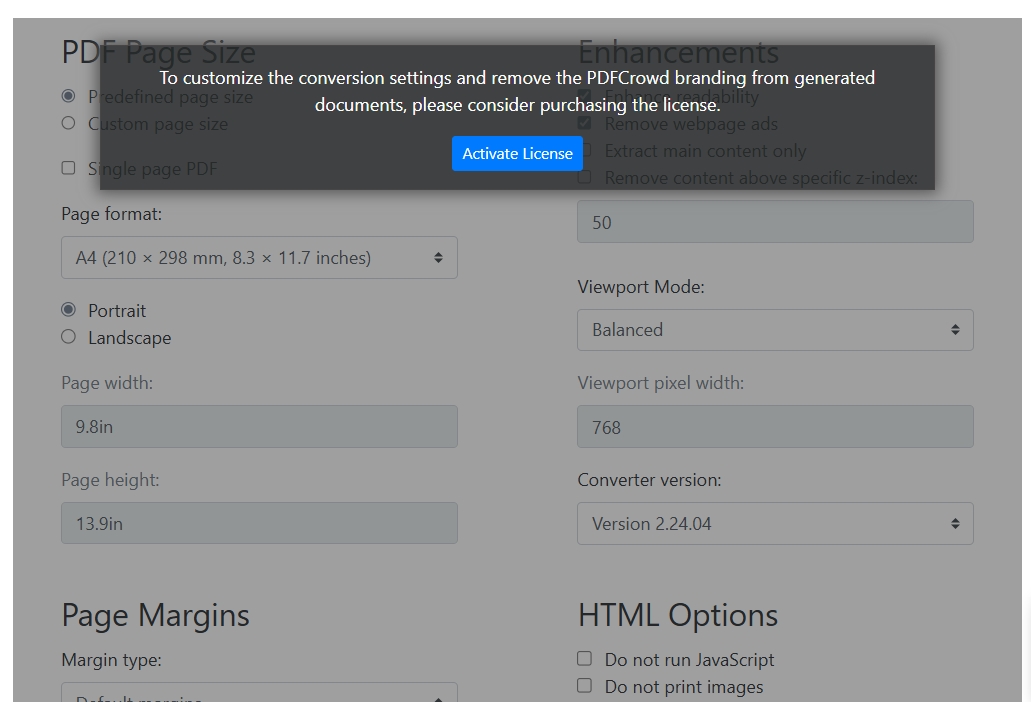
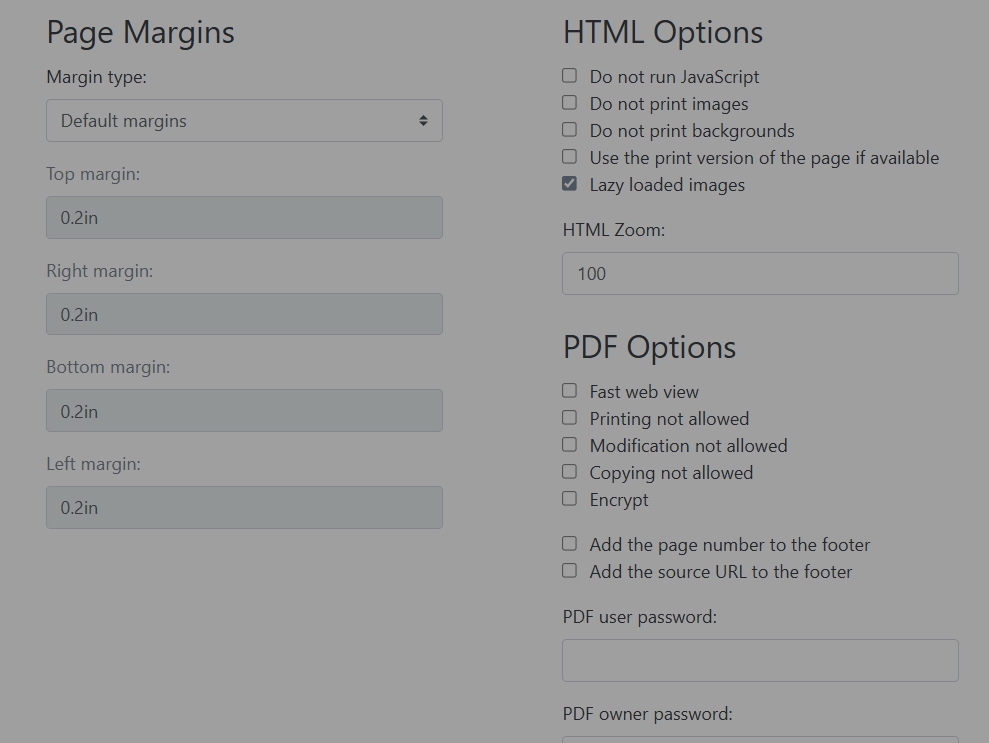
From the screenshots, you can see that the PDFCrowd tool is noticeably less intuitive and not very clear (too many steps and limits on protected pages).
Look what I ended up with:
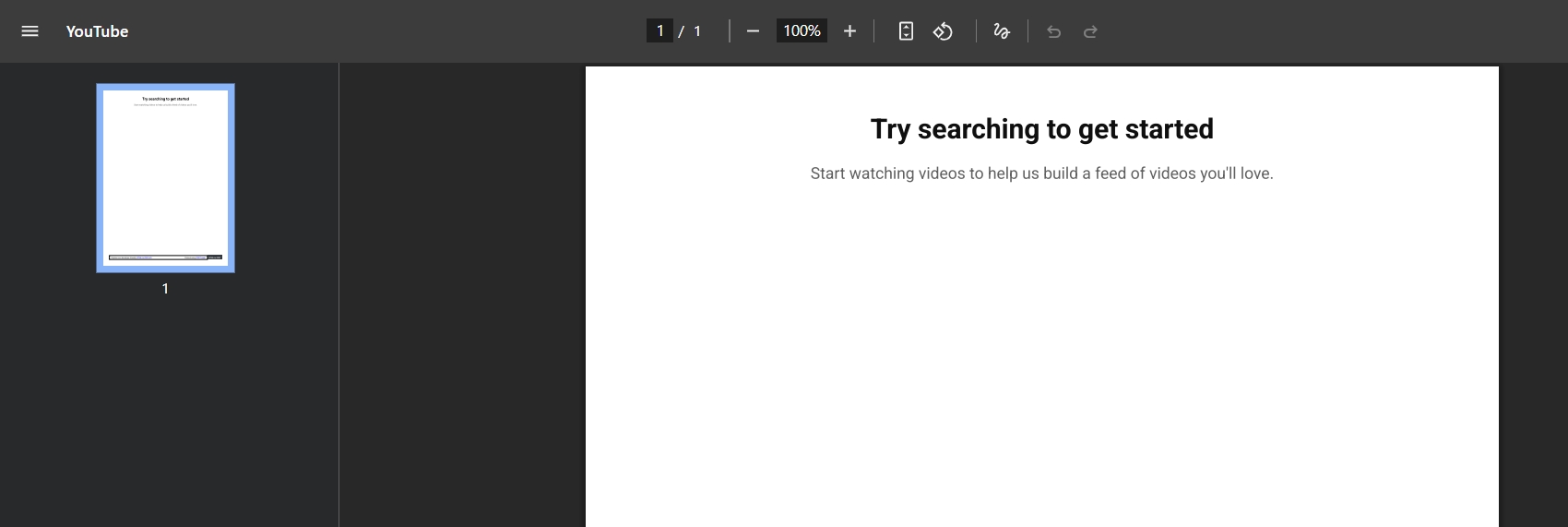
The page simply didn’t save, and the lost time and result clearly showed me that this tool is not for me…
Let’s sum it up
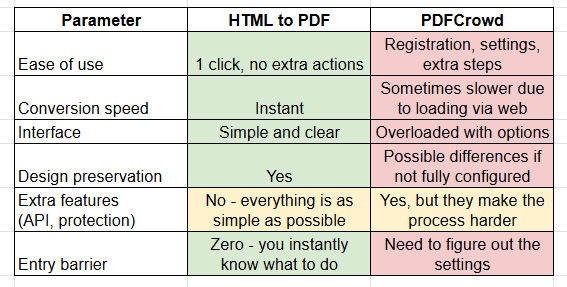
I also made a chart for clarity so you can see how I rated the main features of both tools.
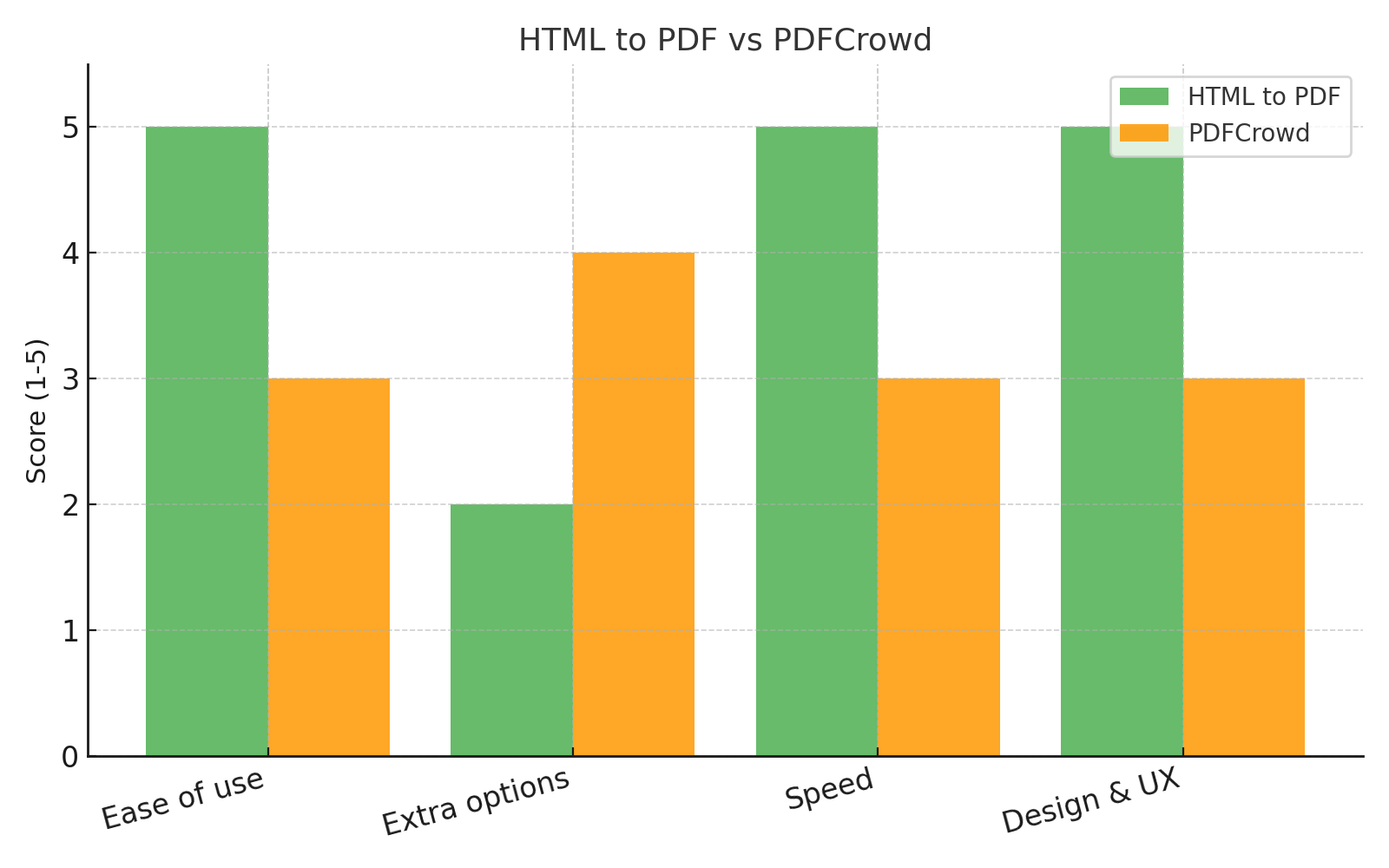
The conclusions I made
When I need to quickly save a web page as a PDF, I choose HTML to PDF. It takes just a few seconds, with no registration and no loss of design.
PDFCrowd is fine if you need advanced settings, but for everyday tasks it feels unnecessarily complicated, which makes working with it longer and more confusing.