Battle: HTML to PDF vs html2pdf.com
I often save web pages or articles as PDFs, especially when I need to keep the layout for a report or share material with colleagues.
For this, I have my favorite method – the HTML to PDF extension in Chrome.
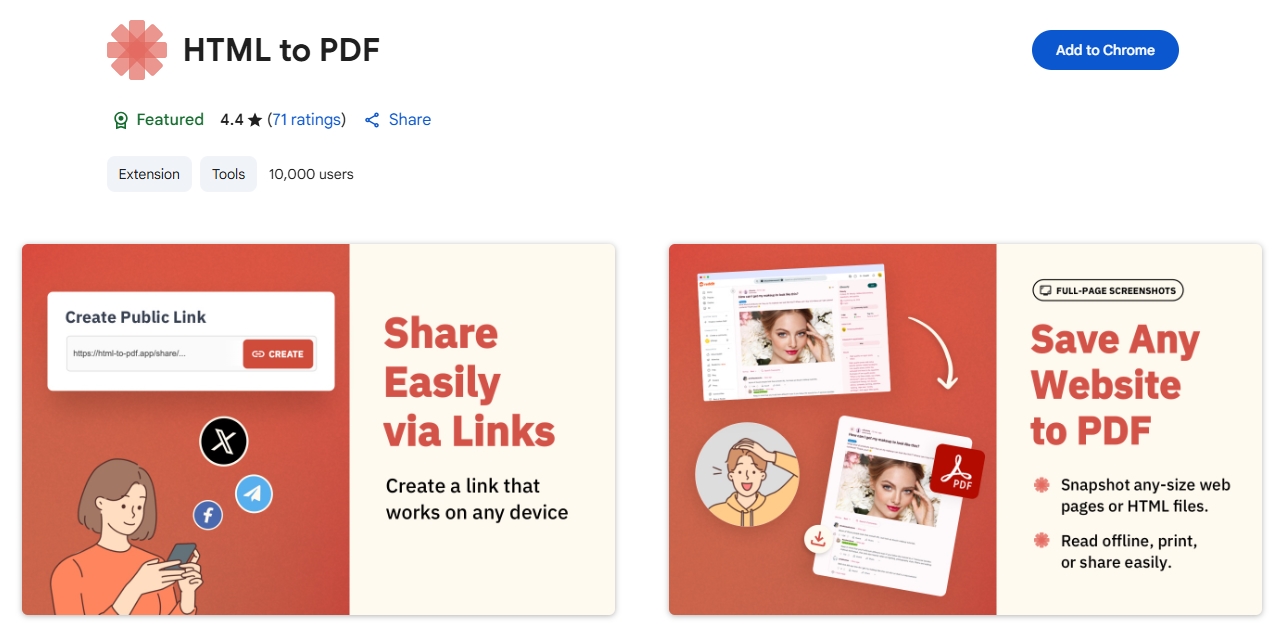
It works steadily even with heavy pages, doesn’t freeze, doesn’t require extra actions, and handles all kinds of websites equally well.
But I like to optimize and improve everything to make my work easier and my life happier.
HTML2PDF.com service
Recently, I tried the HTML2PDF.com service. It works online: you upload an HTML file, choose the settings, wait, and get a PDF in a ZIP archive.
Sounds good, but there are details in the process that can get in the way — especially if you use the tool often. I’ll tell you and show you everything.

Actually I didn’t like that you first have to download the web page to your computer, and only then upload it to the site to work with it.
- Too many manual steps – you don’t just upload the file, you also have to choose the right settings (paper size, orientation, extra options). If you make a mistake, you have to start over.
- Dependence on a stable internet connection – if the connection is weak, uploading and converting can be interrupted. This is especially noticeable with large files.
- No cross-browser extension – everything goes through the website, which means you have to open a separate tab each time and search for the needed file again.
- Limited privacy – files are processed on a remote server, so you can’t be sure they aren’t saved (critical for confidential data).
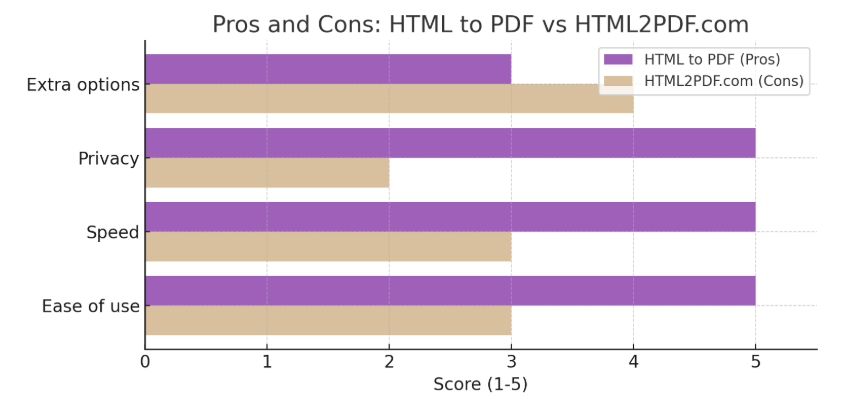
Conclusion:
html2pdf.com is fine if you need a one-time conversion and have time to set up the parameters. But for everyday work, especially with confidential or large materials, I choose HTML to PDF – it’s faster, more reliable, and more secure.