Tutorial
Tutorial: Print Any Site
let I show you how to print the web-page online.
I’ll write all steps you have to do to achive the results. I think you need only couple of minutes to do all the things.
boltinstallation
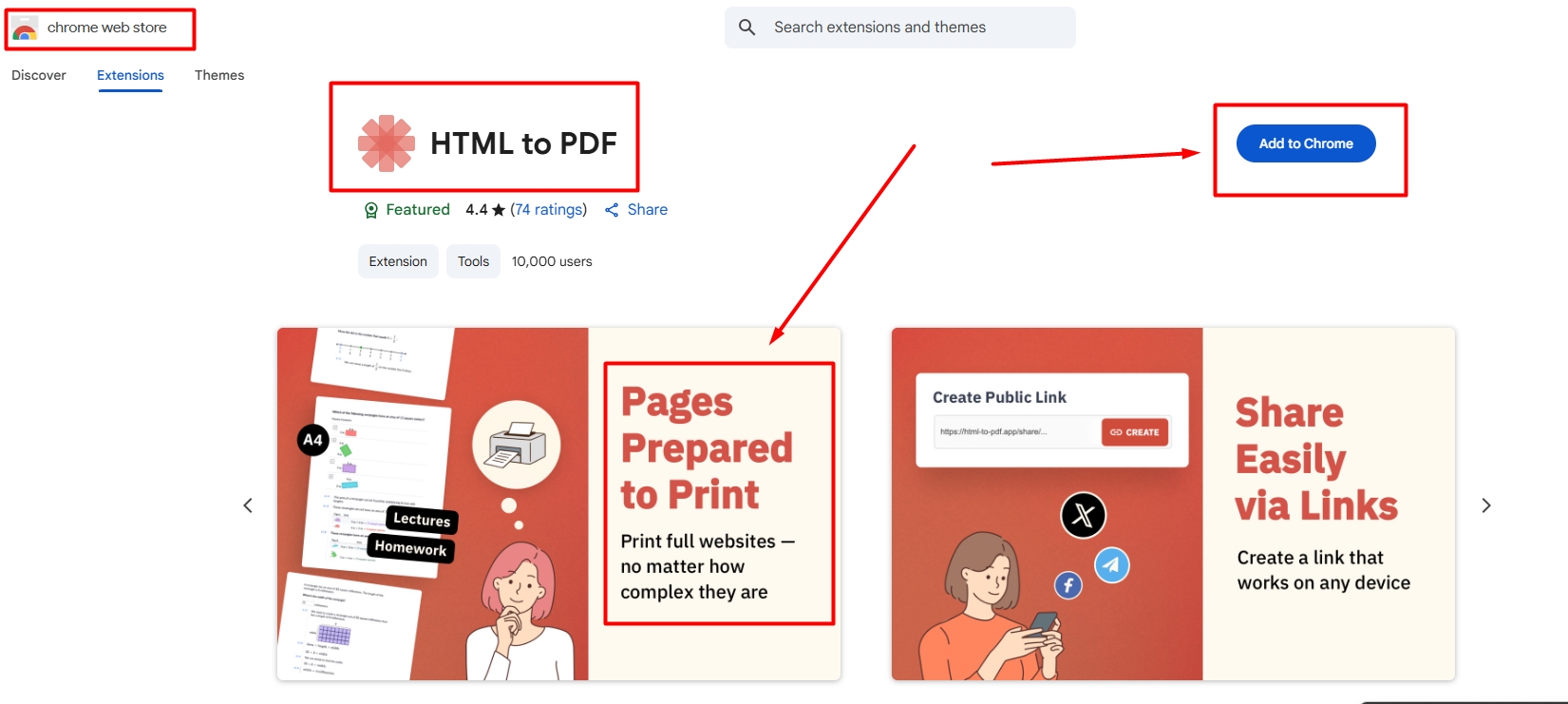
1. The first step will be an installation of extension.
You need to find the extention HTML TO PDF in the Chrome Web Store.
boltConfirmation
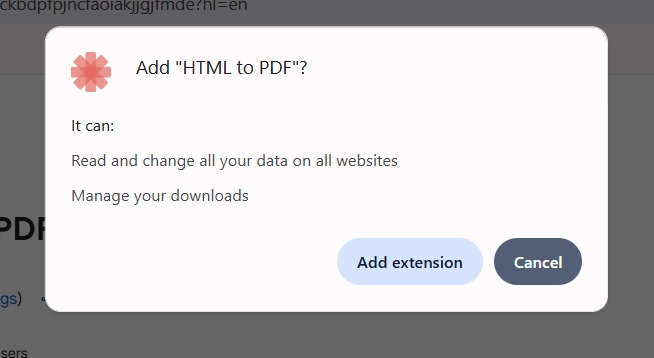
2. Сonfirm your selection
boltVerification
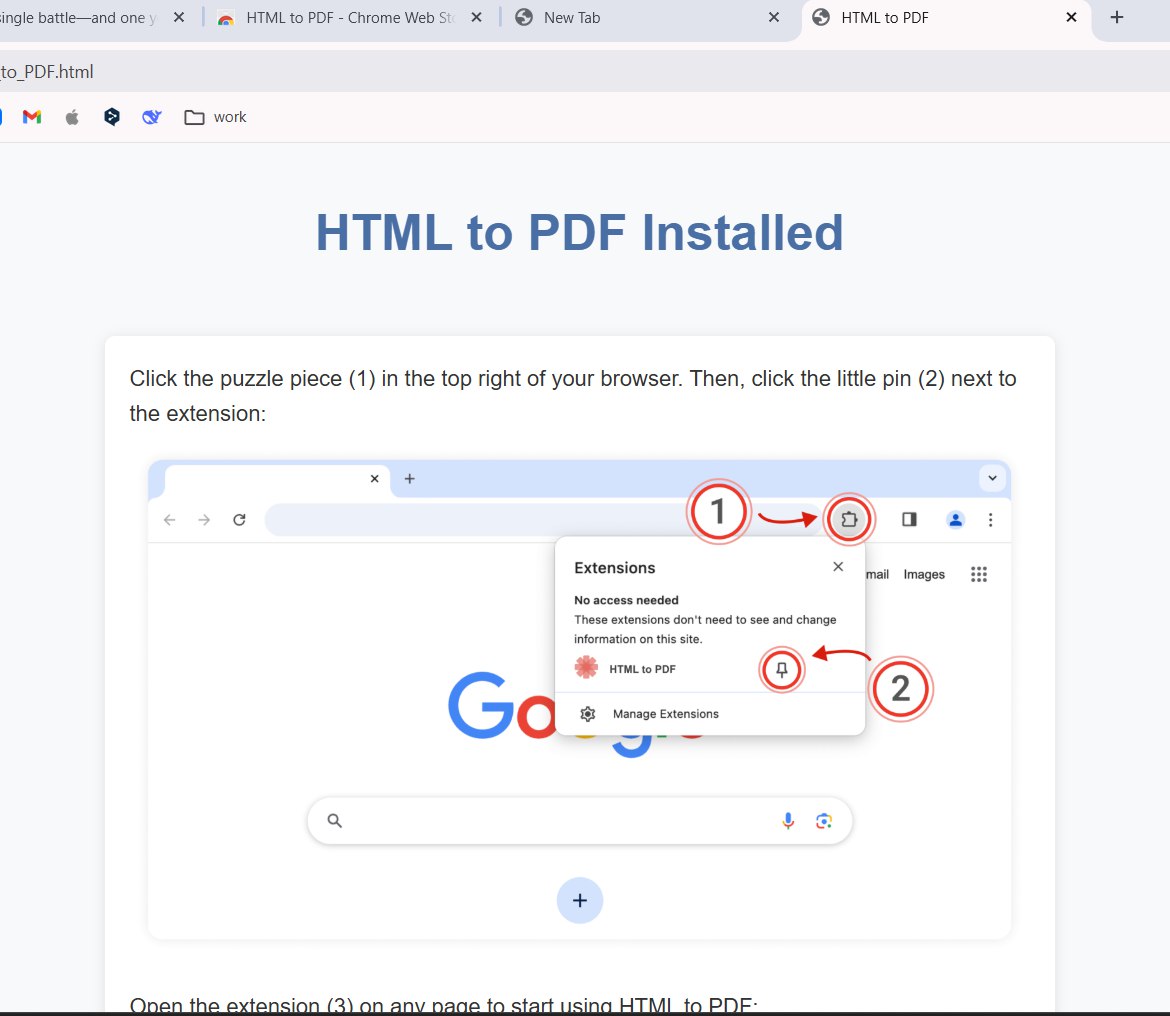
3. After installation you will have an instruction of using.
You will get a smal tutorial.
boltExtension
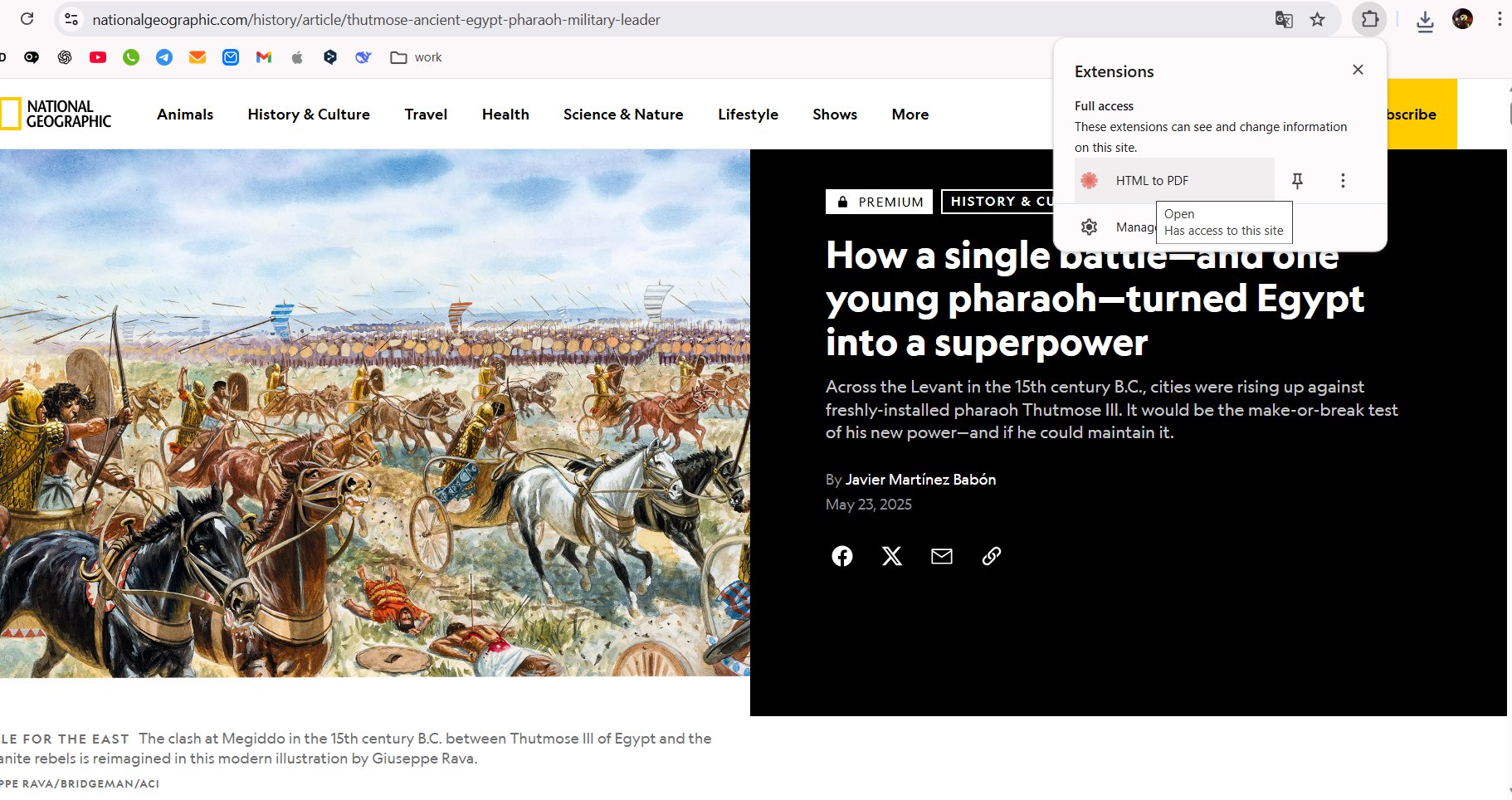
4. The second step will be open the extension.
It’s in the right side of you web page. Click it.
boltMenu
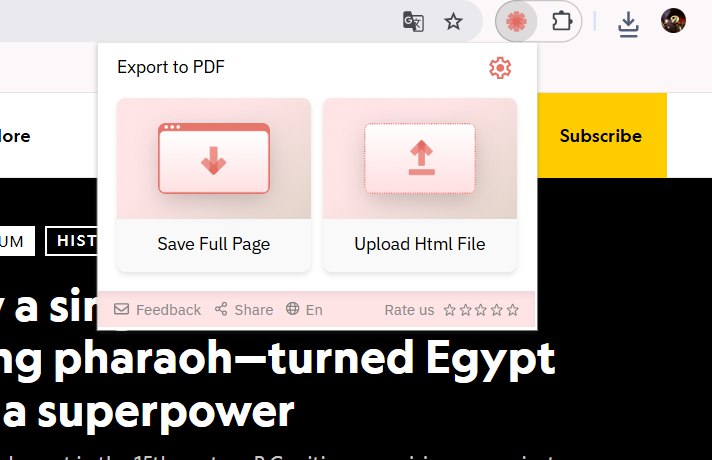
5. The menu of the extension will be open.
Let’s do it, tap the button “Save full page”.
boltPrint
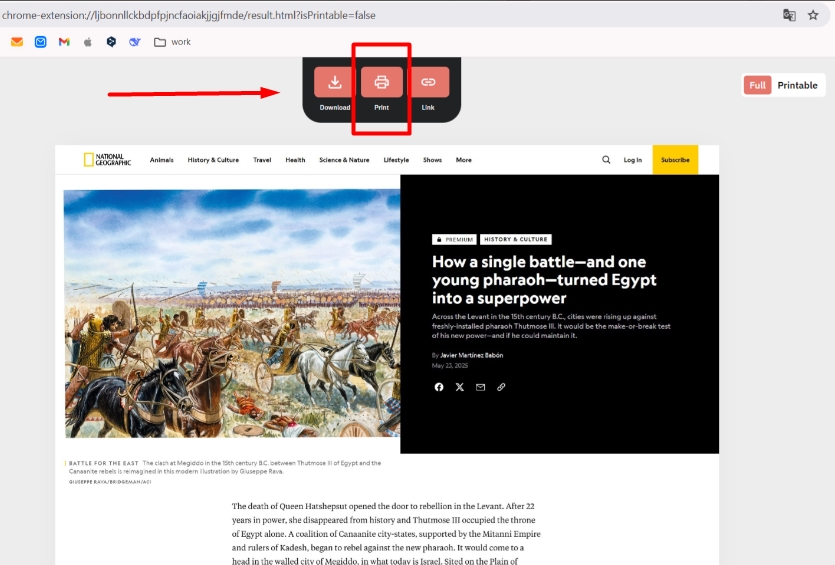
6. Tap the “Print”.
All the page will be checked by the extension system for the some seconds. Next one will be the menu for saving or printing.
boltSettings
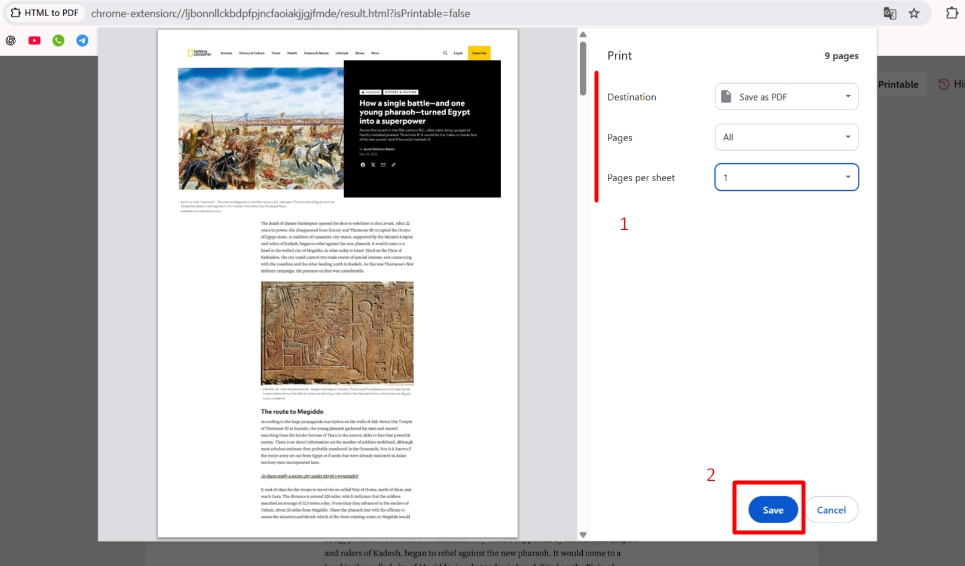
7. Choose the settings
And the last step you need to change the settings, if you want.
Done, you can print the page!